01 / BEAUTY-FILTERED SELFIE
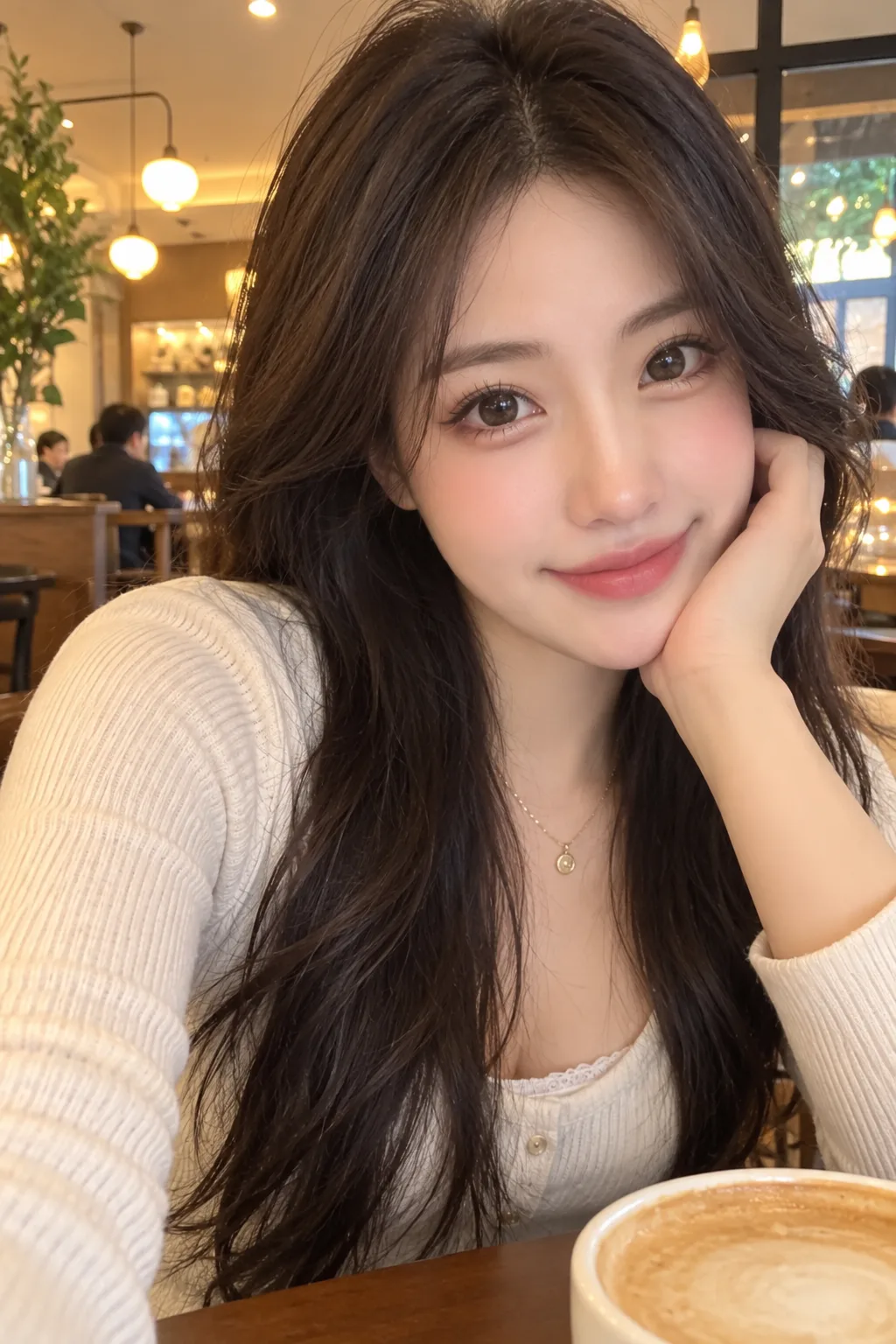
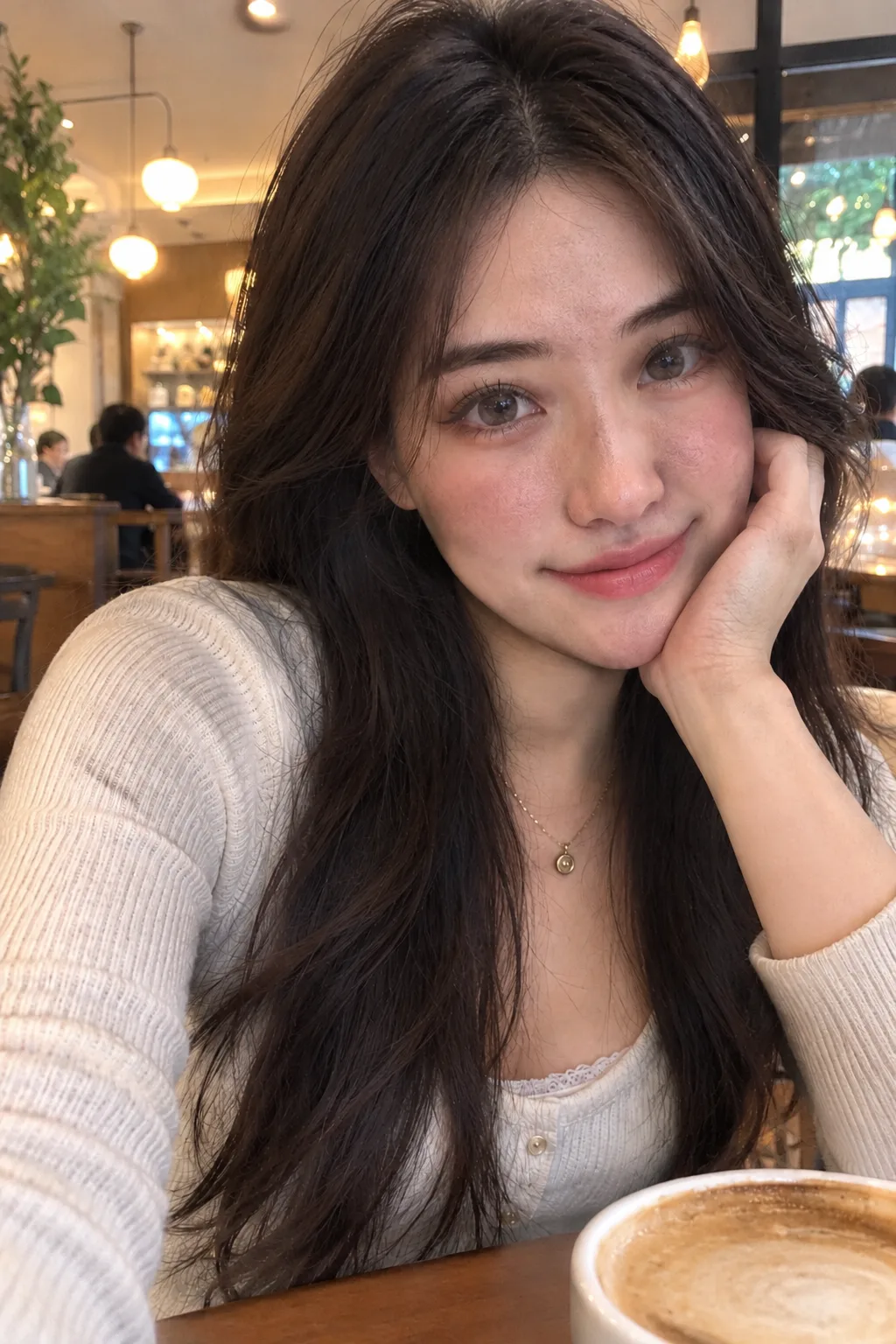
A softer, more natural selfie
See a softer finish with more visible skin texture and less airbrushing, while the familiar face and setting remain recognizable.

AI IMAGE HUMANIZER
Make an AI portrait feel more natural, or reimagine an illustrated character as a live-action portrait. Start with one image.
Upload an image and review the price to begin.
For one main subject. Output is a 2:3 portrait. Review the price before confirming; results may change details.
REAL EXAMPLES · GENERATED IN ZOIVU
See a more natural finish: the original is on the left and the Zoivu result is on the right. Example images are AI-created; results may vary.
01 / BEAUTY-FILTERED SELFIE
See a softer finish with more visible skin texture and less airbrushing, while the familiar face and setting remain recognizable.
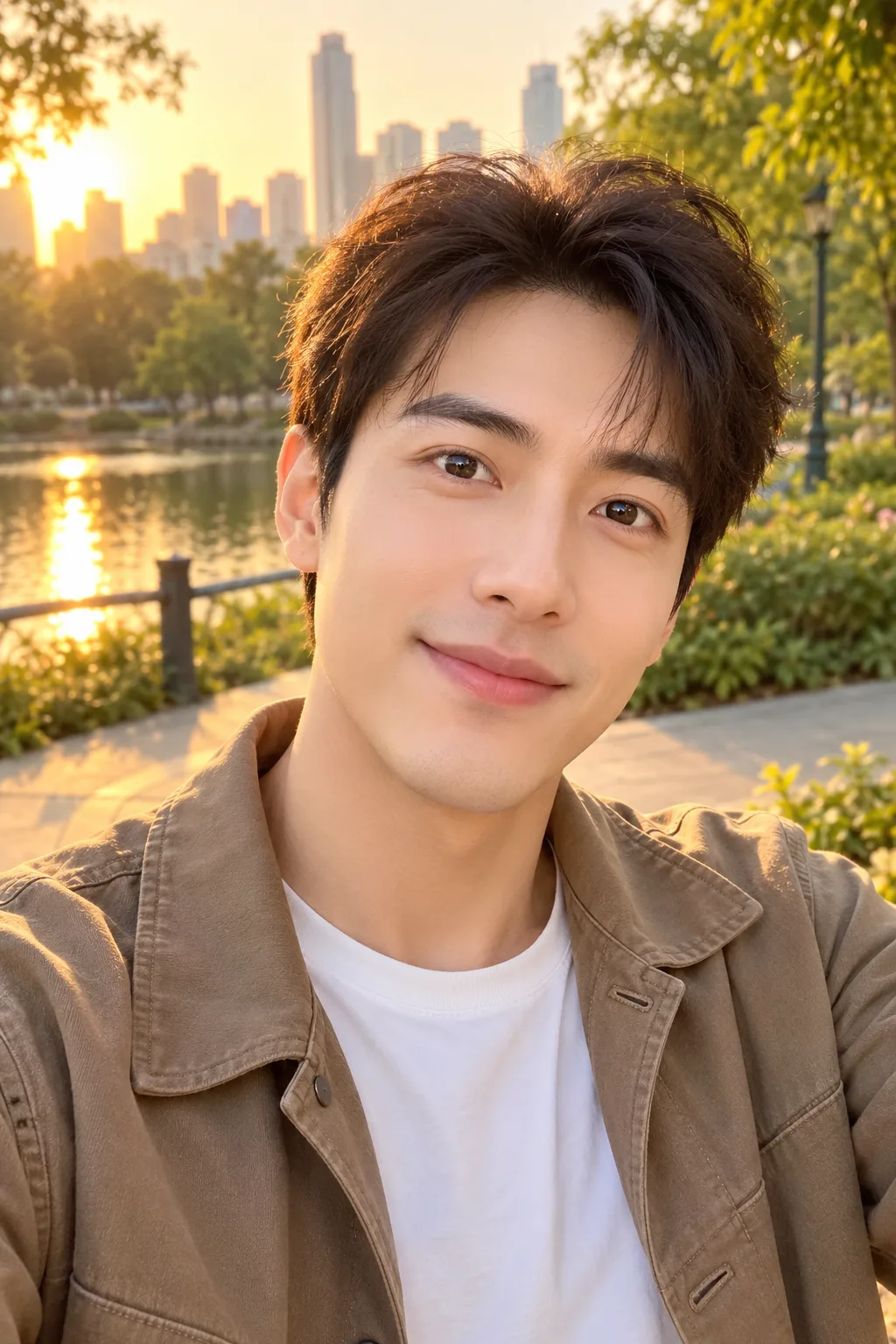
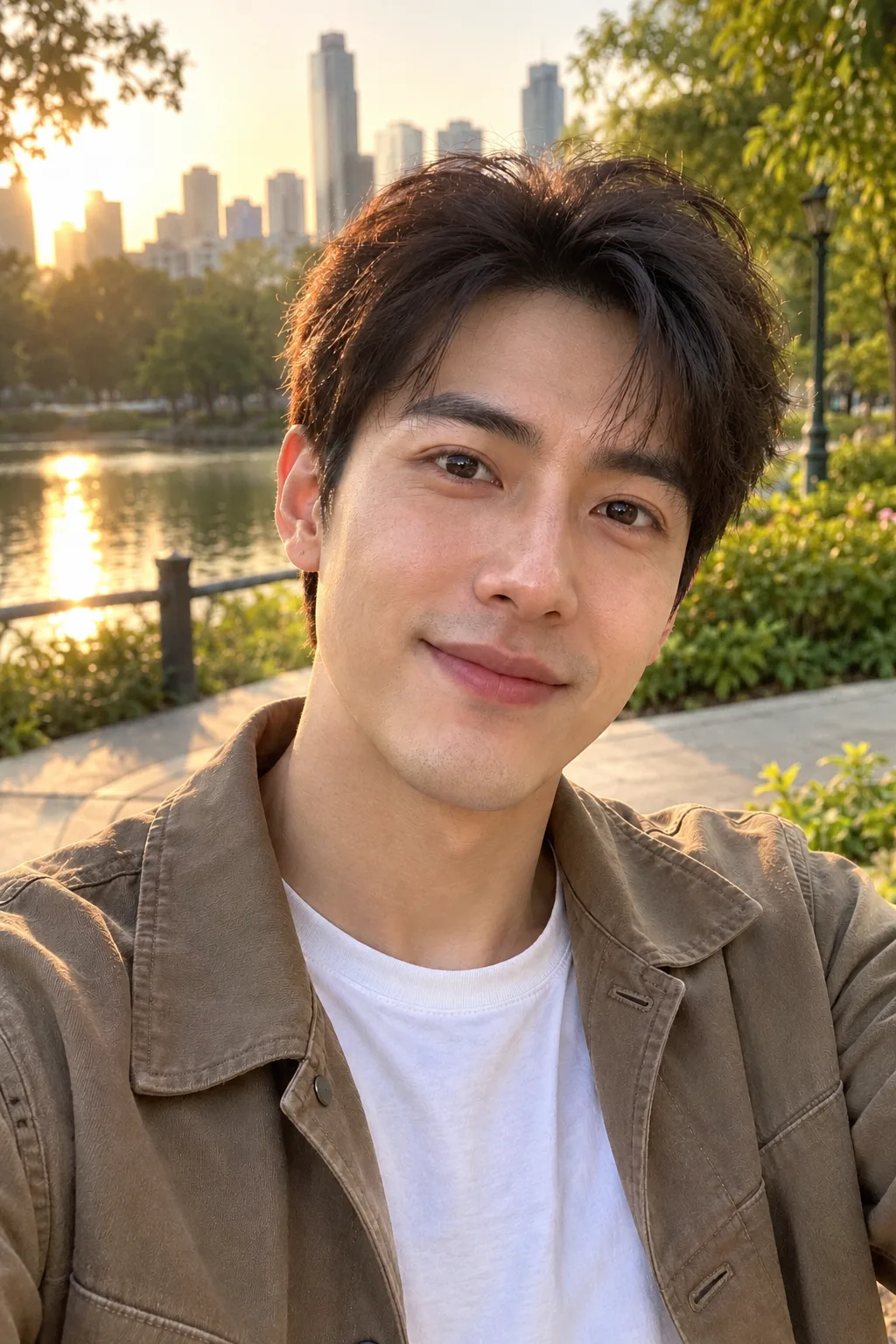
02 / EVERYDAY PORTRAIT
Keep the relaxed outdoor feel while adding subtle texture and softening the filtered look.
03 / GAME CHARACTER
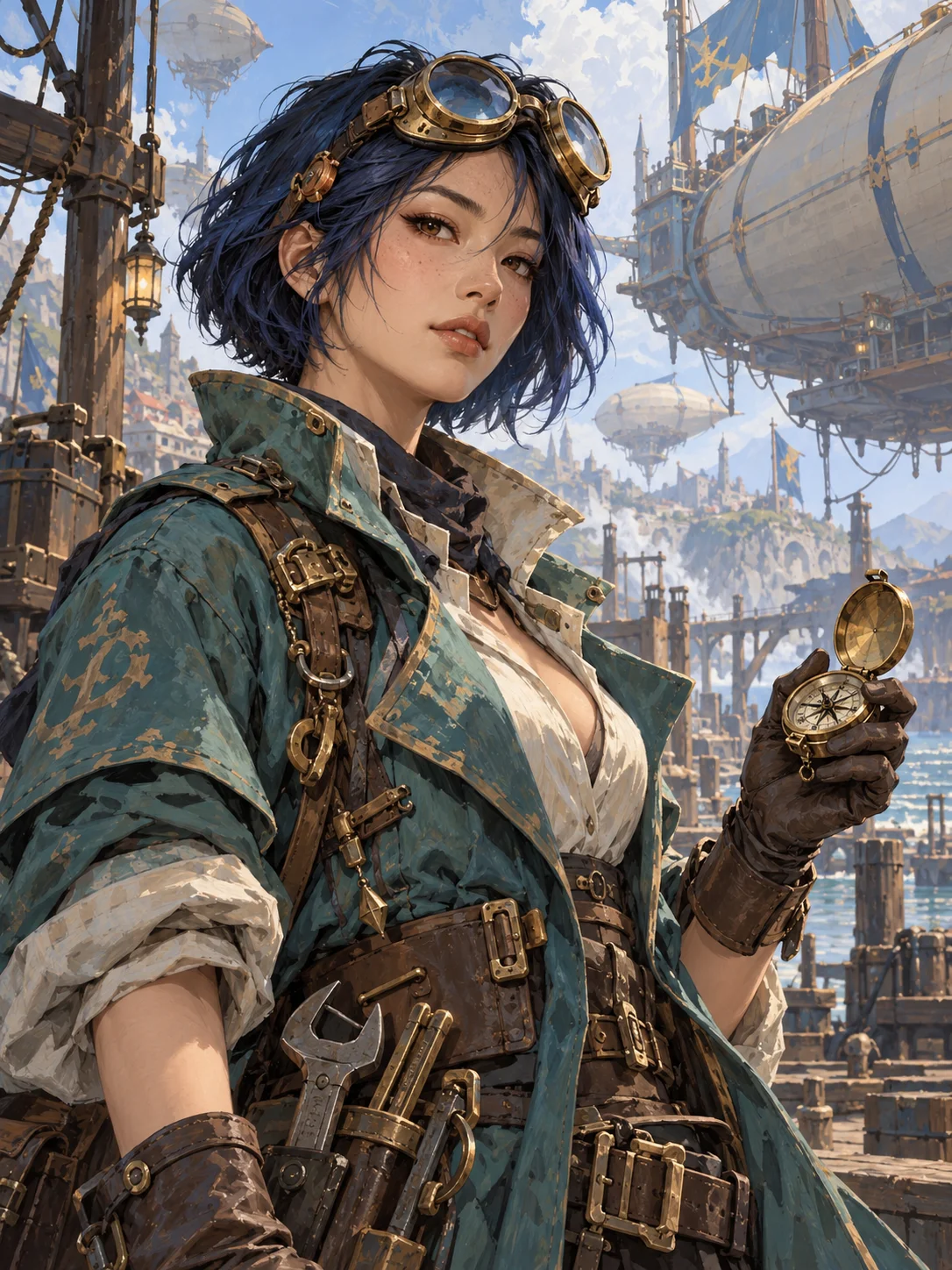
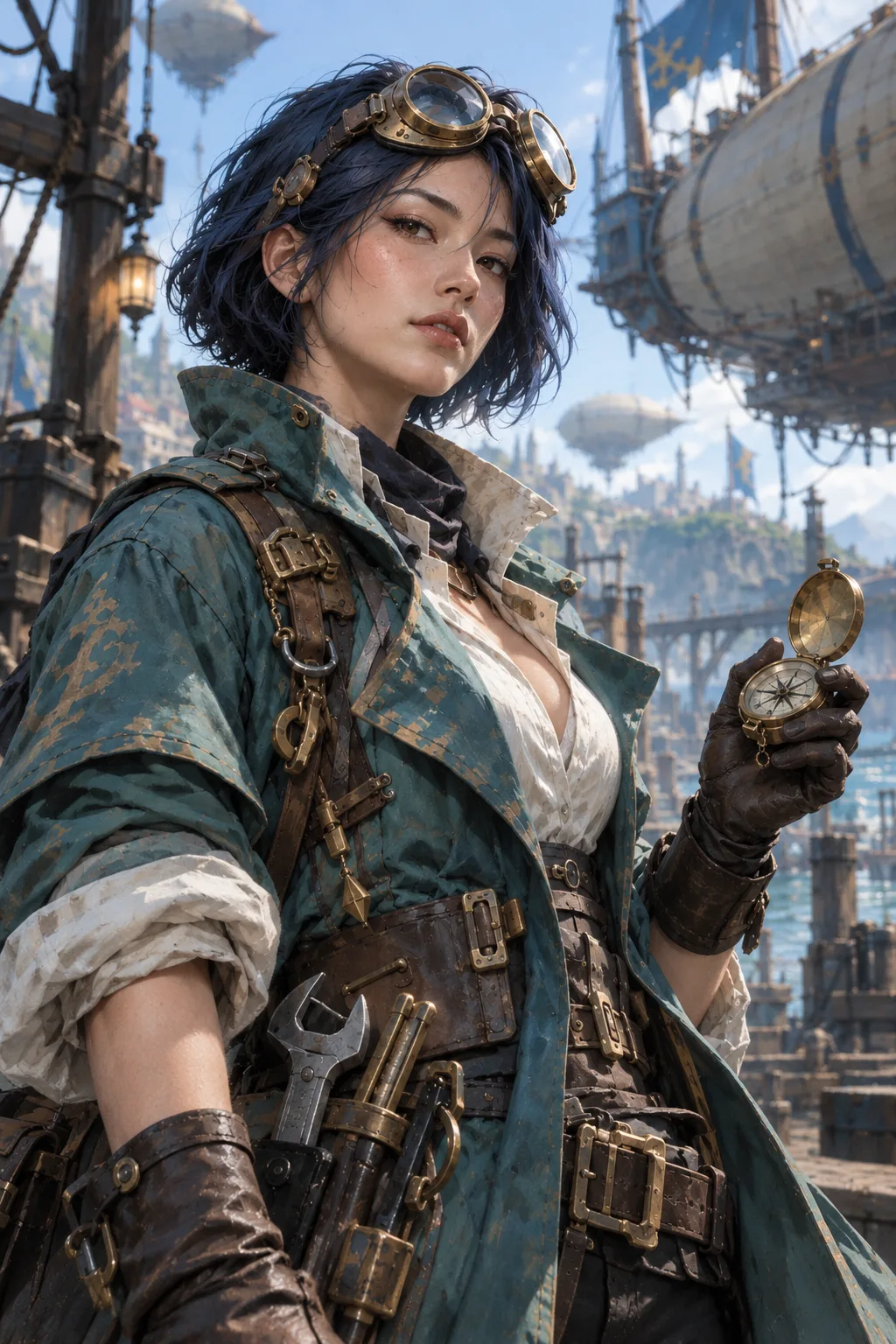
A painted game-inspired mechanic becomes a more photographic interpretation. Her blue hair, goggles and compass remain recognizable; skin, fabric and light take on a more lifelike feel.
04 / AI PORTRAIT
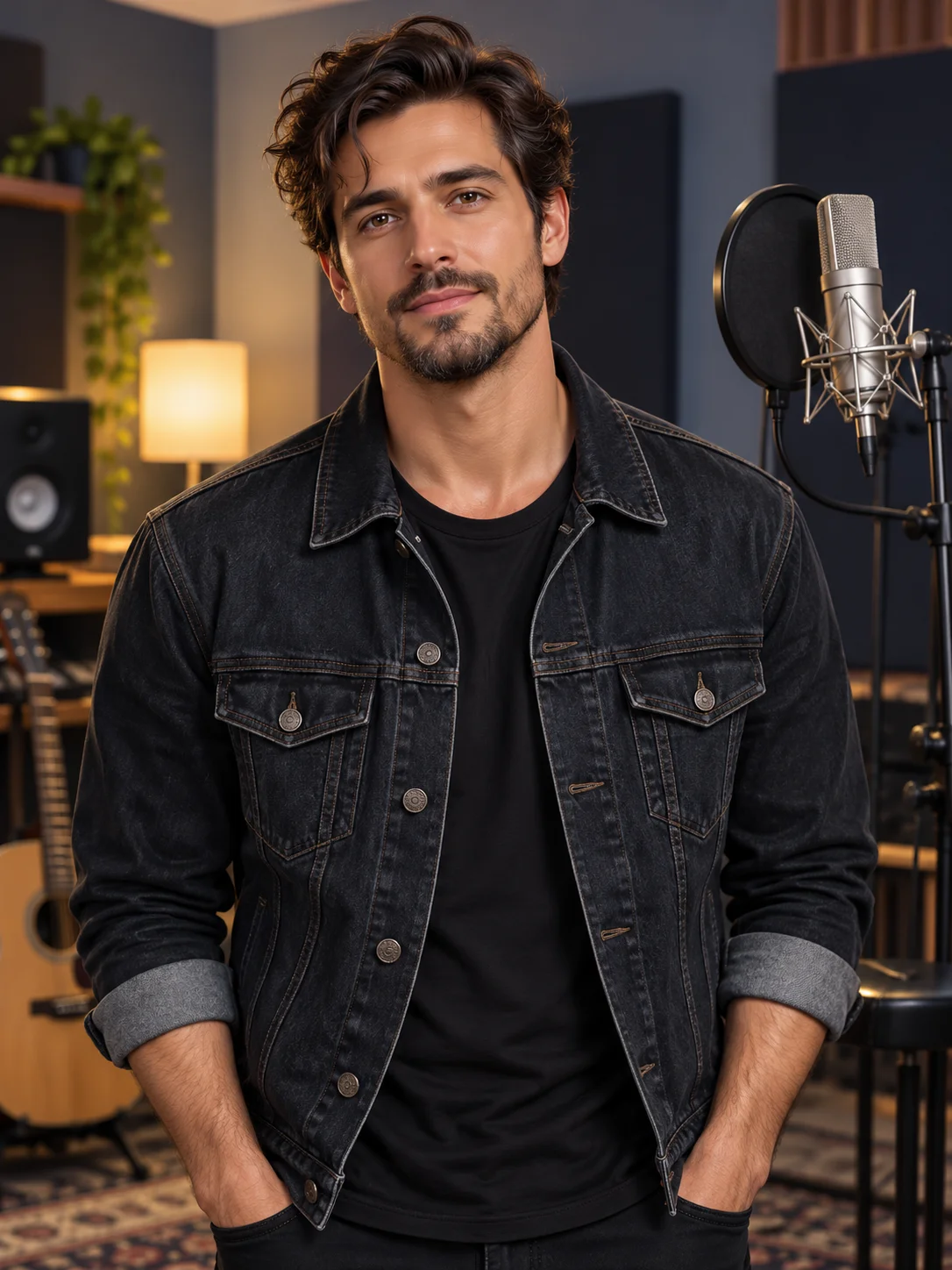
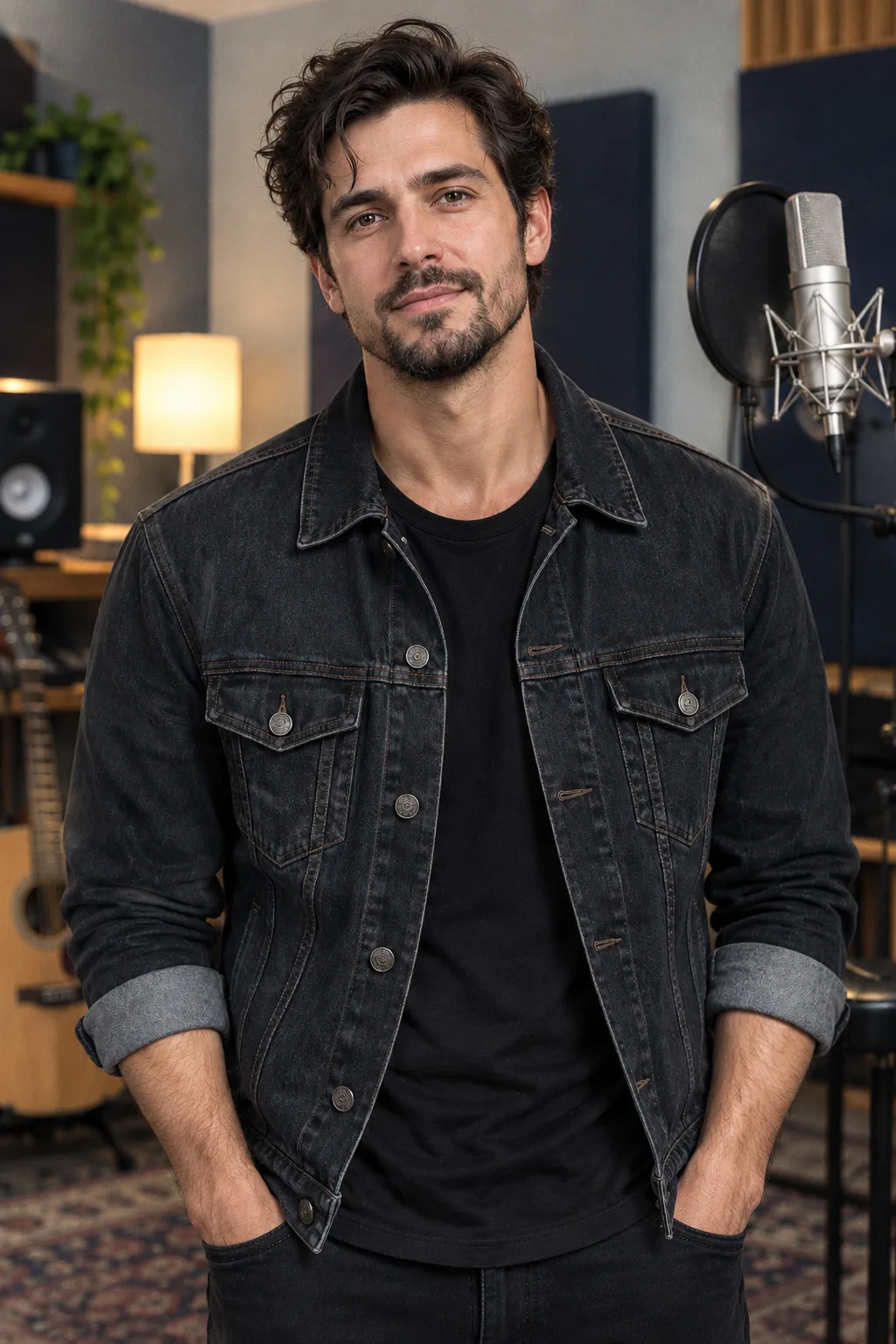
A touch of natural texture brings a more relaxed feel to this studio portrait. Some changes may be subtle.
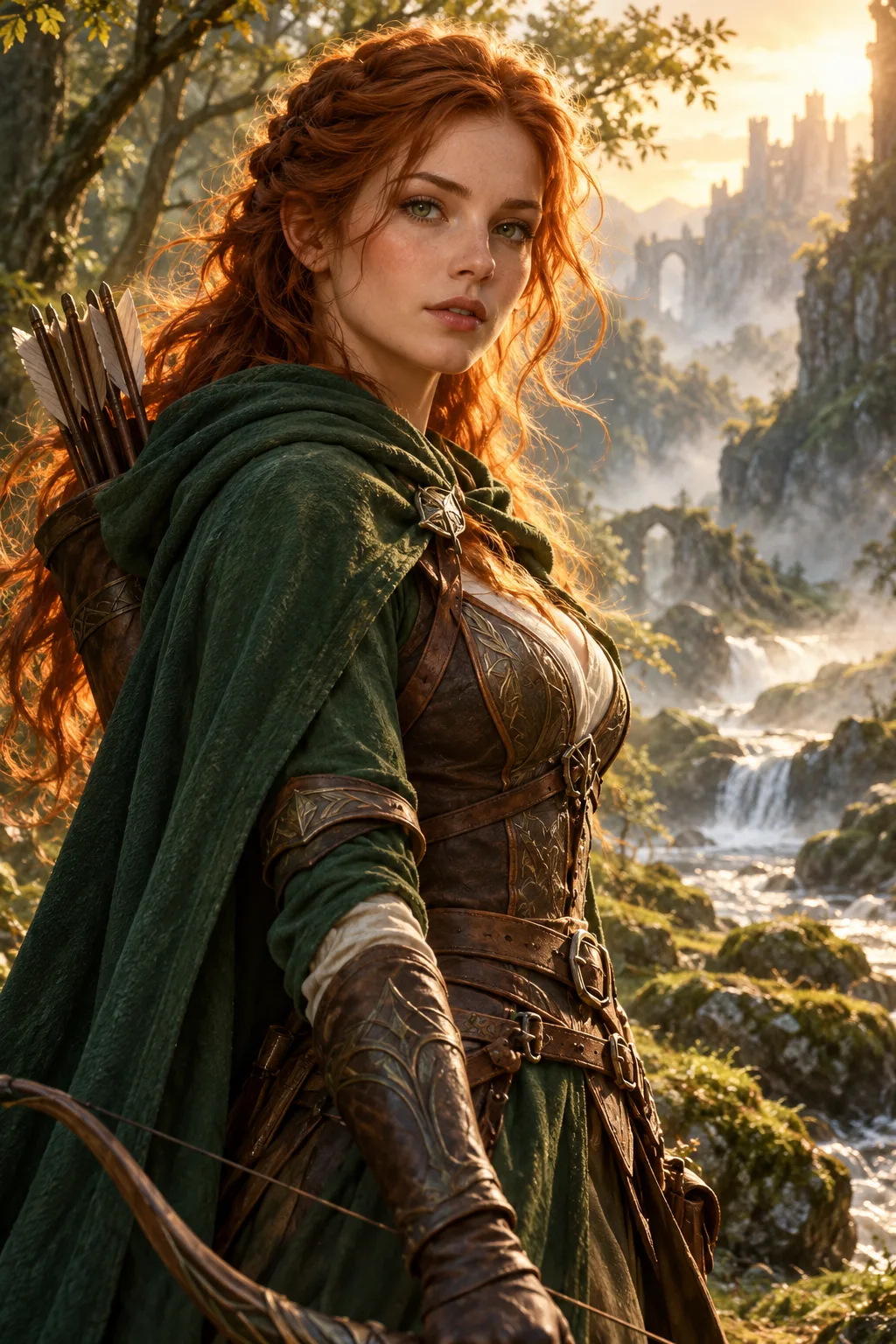
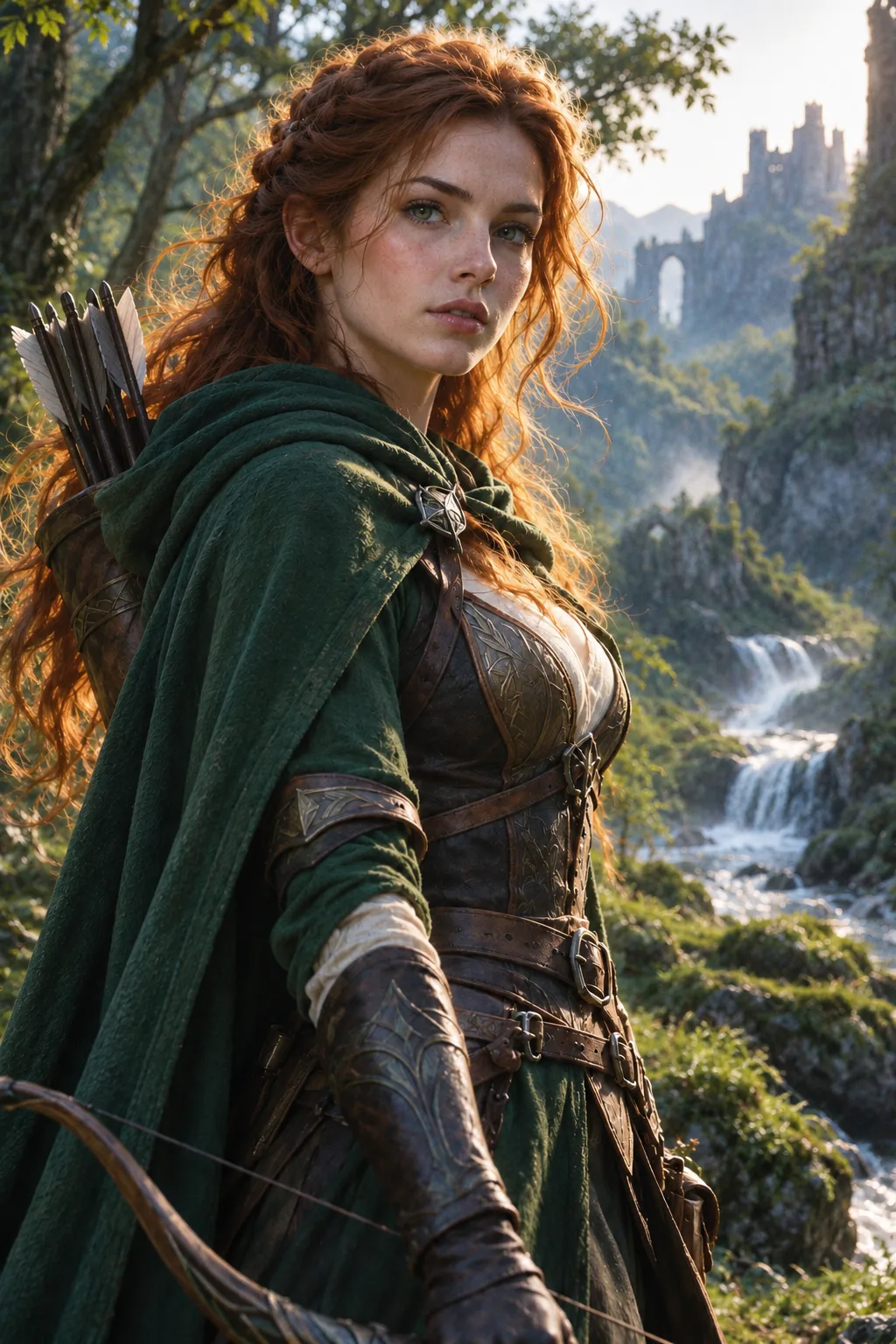
05 / FANTASY PORTRAIT
More natural texture and softer light give this fantasy portrait a grounded feel, while the cloak and woodland setting remain recognizable.
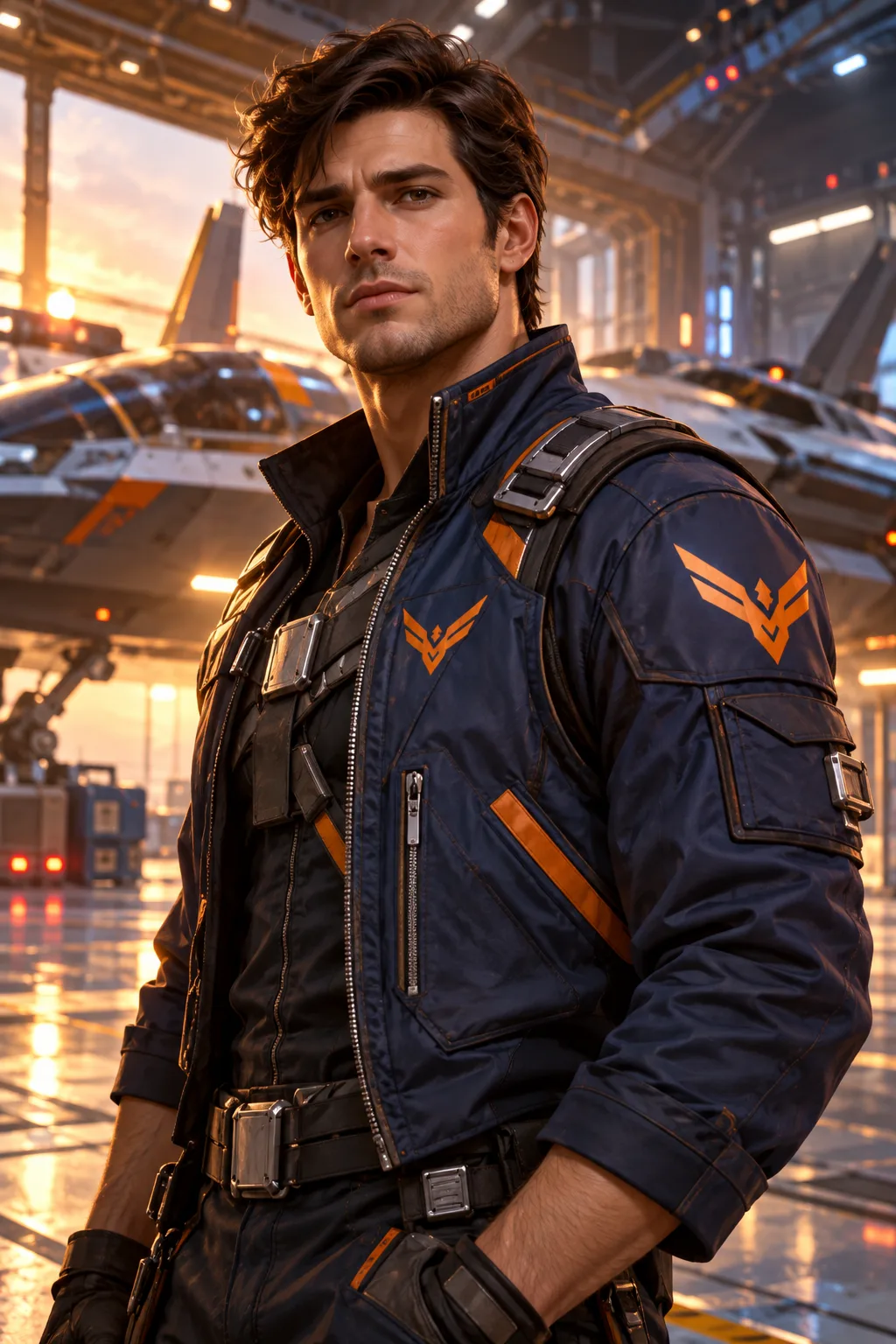
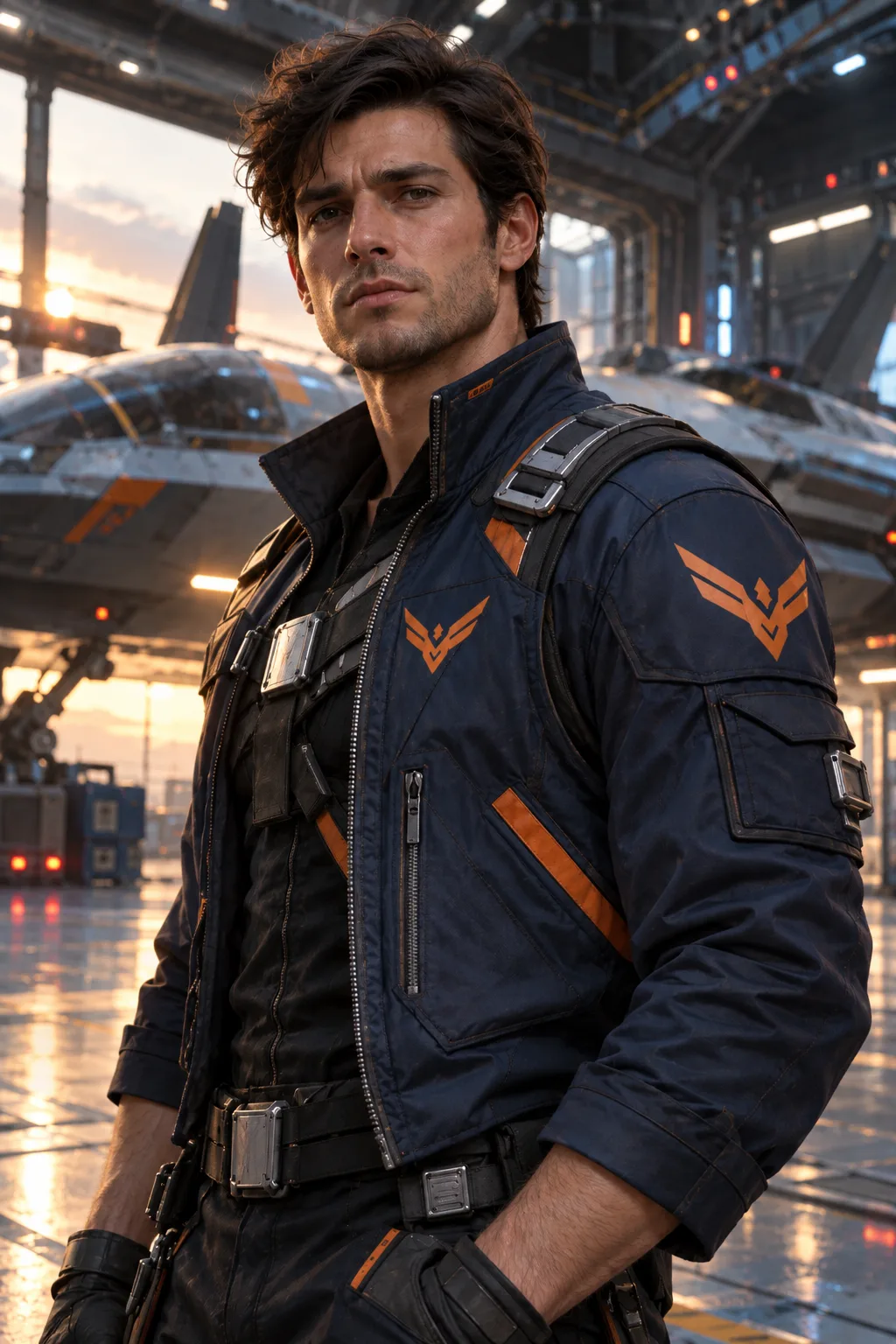
06 / SCI-FI CHARACTER
This AI-generated pilot becomes a less polished portrait with more natural skin and softer colour, while his flight jacket and hangar remain recognizable.
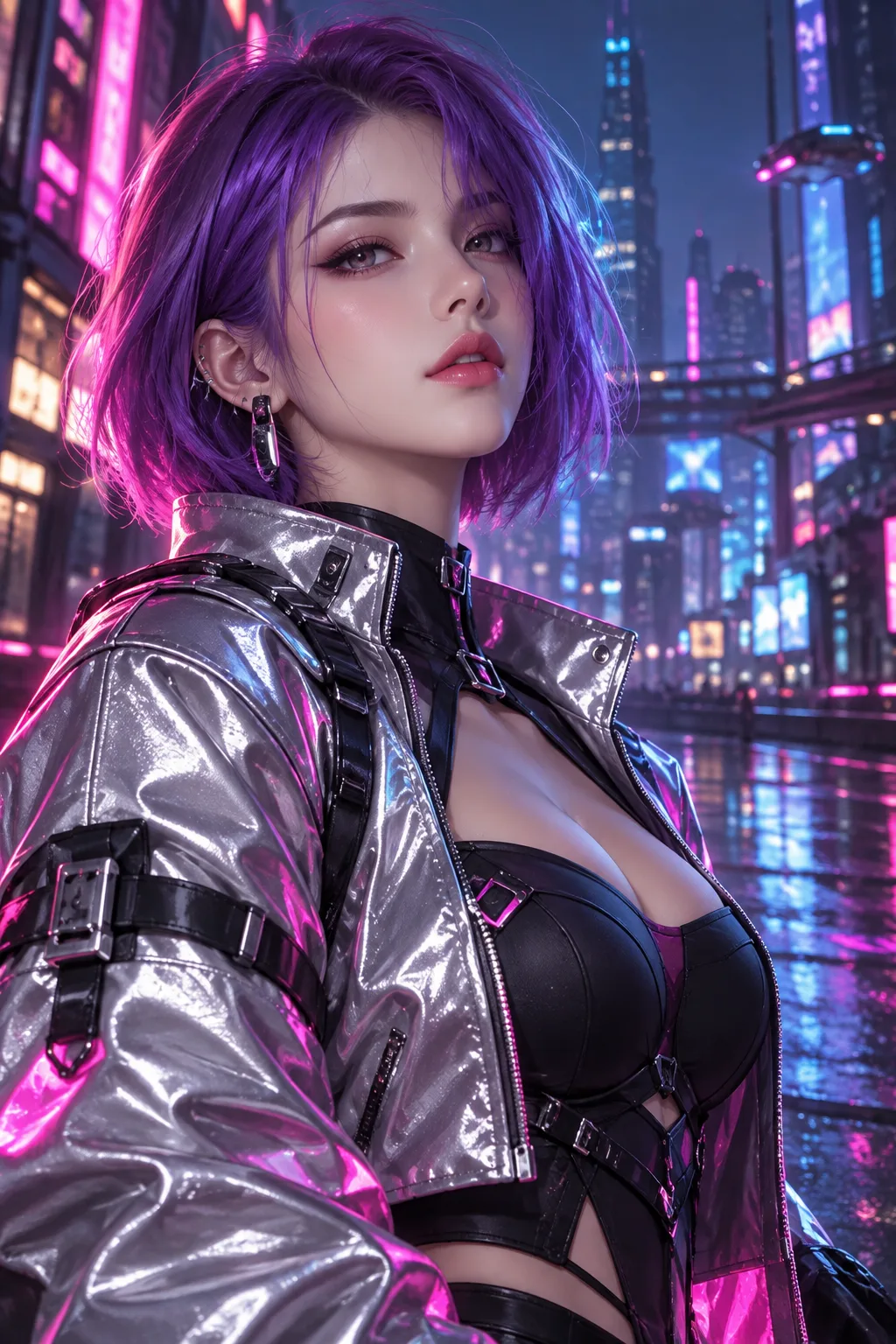
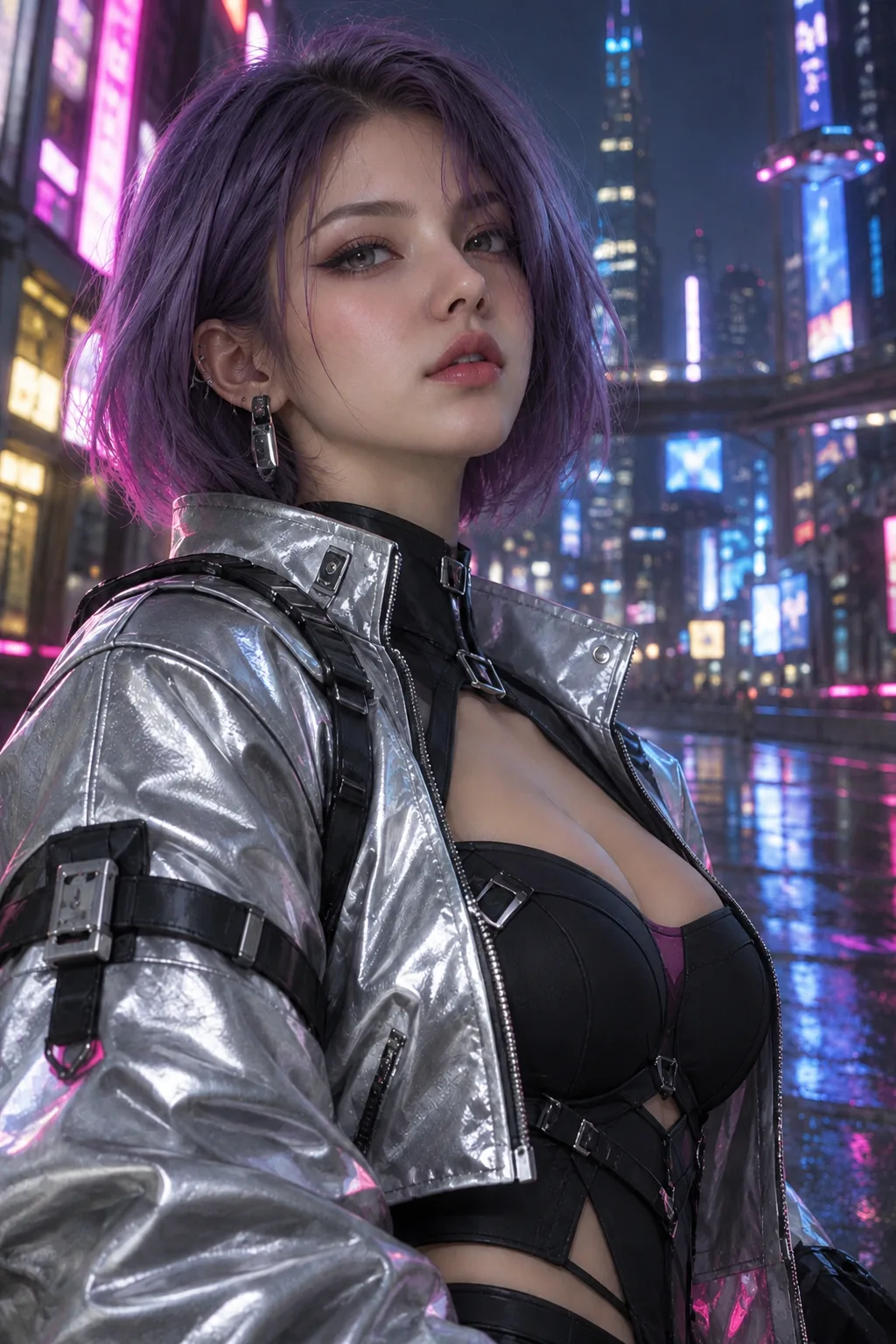
07 / NEON CHARACTER
Give a neon-lit character a more natural finish while keeping the colour and atmosphere of the scene.
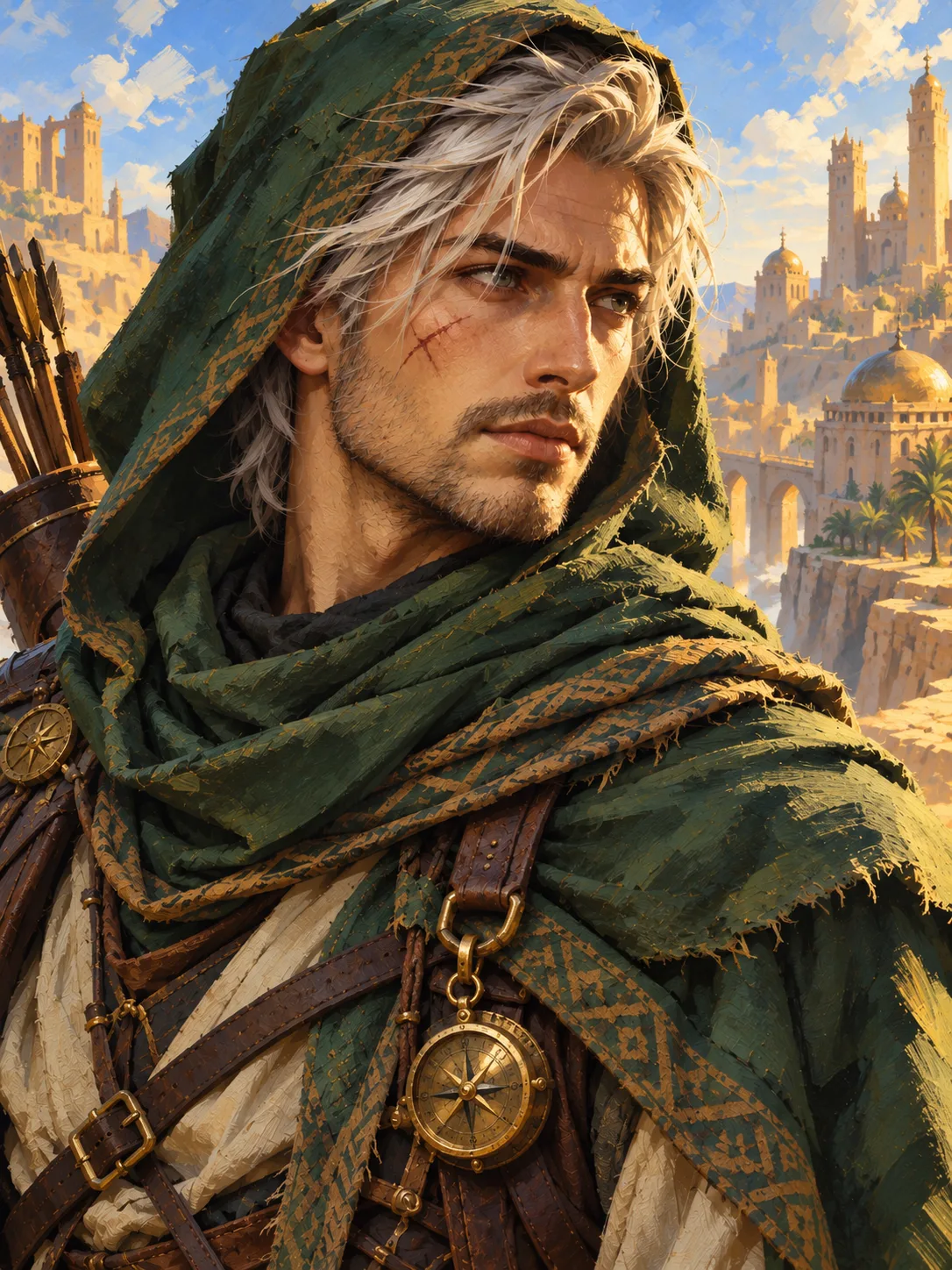
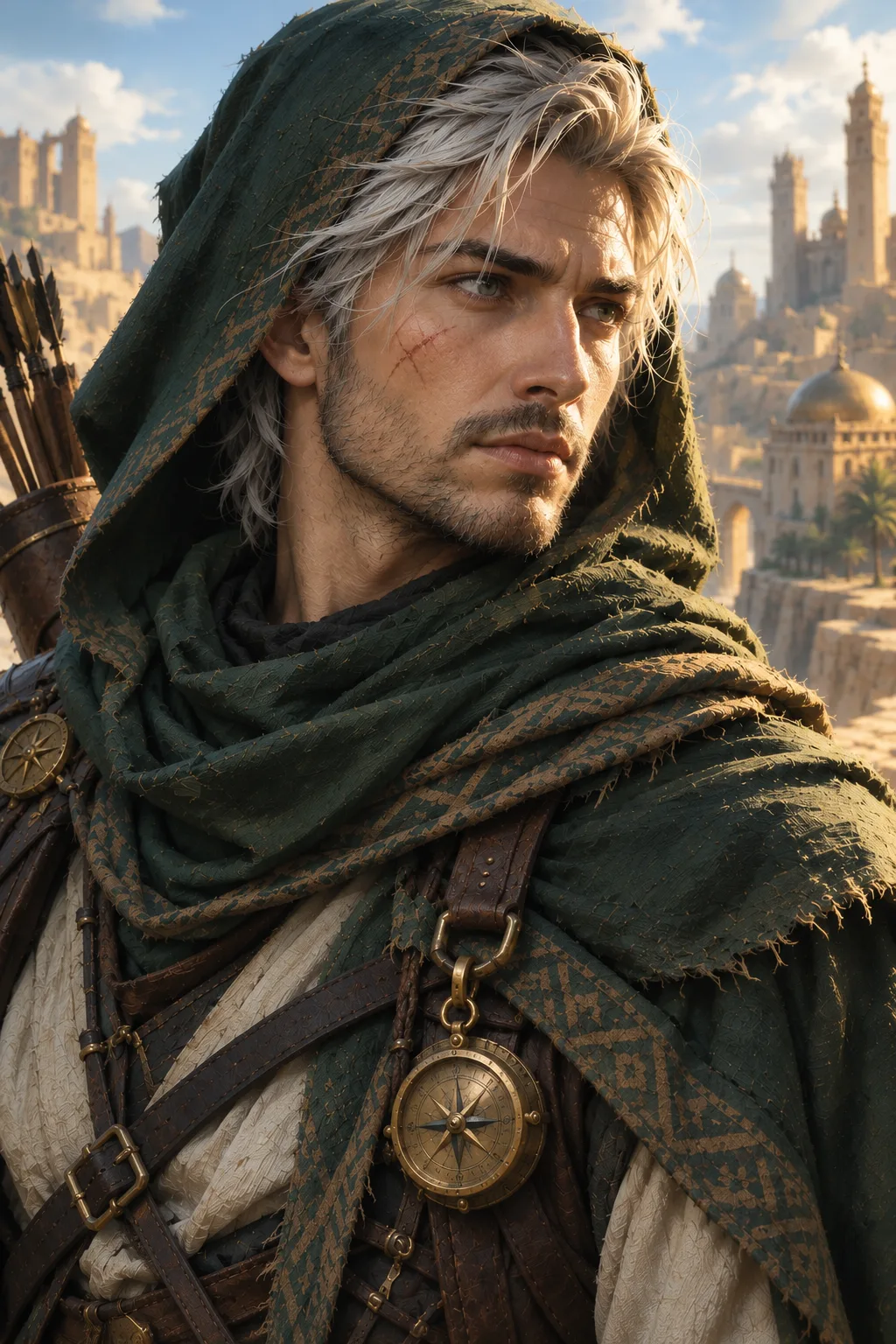
08 / FANTASY CHARACTER
Explore a photographic interpretation of an illustrated ranger. This example was created with a custom direction; results from the tool above may differ.
These are actual generated examples, not guarantees. Faces, clothing, props and framing can change.
A MORE NATURAL PERSPECTIVE
An AI image humanizer creates a new interpretation of an existing image with a more natural, photographic feel. It can soften the overly polished look of an AI portrait or explore how an illustrated character might appear as a real person.
Just upload an image and explore a more natural look. Zoivu creates a new AI image inspired by your original, so individual details may change.
THE DETAILS THAT MAKE A DIFFERENCE
Bring out natural-looking detail while keeping the character of your original image.
Move away from an airbrushed finish toward pores, fine lines and natural variation.
Explore a less polished look with light and shadows that feel closer to a photograph.
Give illustrated or overly smooth surfaces a more tangible, lived-in appearance.
The source guides identity, clothing and pose, though exact details are not guaranteed.
Enjoy a softer, more natural colour palette.
Subtle grain and photographic detail can help a portrait feel less like a digital render.
A SIMPLE START
Upload an image with one main subject that you own or have permission to use.
Check your image and the price before you create.
Generate your image, review the result and download it.
CHOOSE YOUR APPROACH
The right approach depends on whether you want a new image, precise manual control, or a new interpretation of your existing character.
| Approach | Generate again | Manual editing | Zoivu humanizer |
|---|---|---|---|
| Starting point | A new prompt or generation | Your existing image | Your uploaded image |
| How it works | Explore a new result | Adjust details by hand | Create a more natural look |
| Control | Results can vary | Fine control over individual edits | Easy to use; details can change |
| Useful for | Trying a different concept | Precise changes | Reimagining a portrait or character |
MADE FOR CREATIVE EXPLORATION
Explore a live-action interpretation of your own illustrated hero, adventurer or OC.
Try a more natural finish on an existing single-subject portrait.
See a familiar character through a different visual lens for your next creative idea.
Experiment with an image you have permission to use, then review the details before sharing.
A FEW THINGS BEFORE YOU BEGIN
It is a way to give an AI image a more natural visual treatment. This Zoivu page focuses on interpreting a single character image as a realistic portrait.
You can explore a live-action interpretation of a character image you have permission to use. The result is a new image, not a real photograph of that character.
No. Features, clothing, props, framing and background may change. Review the result for the details that matter to you.
No. A natural-looking image remains AI-generated. Follow the disclosure rules for the place where you share it.
Zoivu shows a quote before you confirm generation. Review the displayed price and your available credits before proceeding.
YOUR IMAGE, REIMAGINED
Start with one image and discover a more natural interpretation.
Humanize your imageReview your quote before you create.